Backrooms hiding spots
15 screenshot-backed hiding spots for Backrooms, grouped with hider setup, why the disguise works, and seeker counterplay so you can test the map in private lobbies.
Screenshot database
15 tested candidate spots
Yellow corridors, warning signs, office clutter, metal storage, sofas, toilets, and industrial barrels create strong color-matching spots.
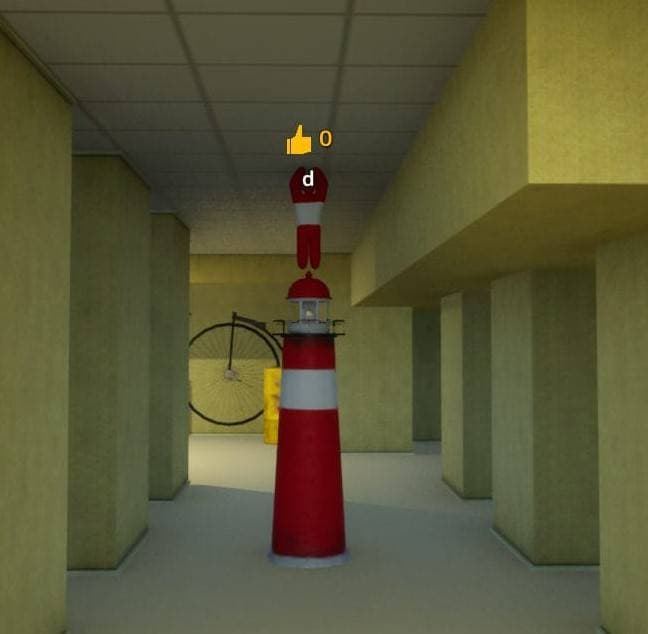
Red-white tower prop
On top of a red and white striped prop in a yellow corridor.
Hider setup
Copy the red-white stripe rhythm and stack onto the object.
Why it works
The loud pattern distracts from the extra silhouette.
Seeker check
Check striped props for added height.
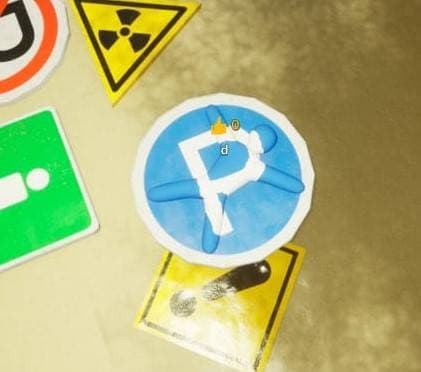
Warning sign cluster
Among parking, warning, and road-sign props.
Hider setup
Use bold sign colors and hide inside the visual noise.
Why it works
Busy sign shapes make counting individual props hard.
Seeker check
Look for a sign that is off-angle or too thick.
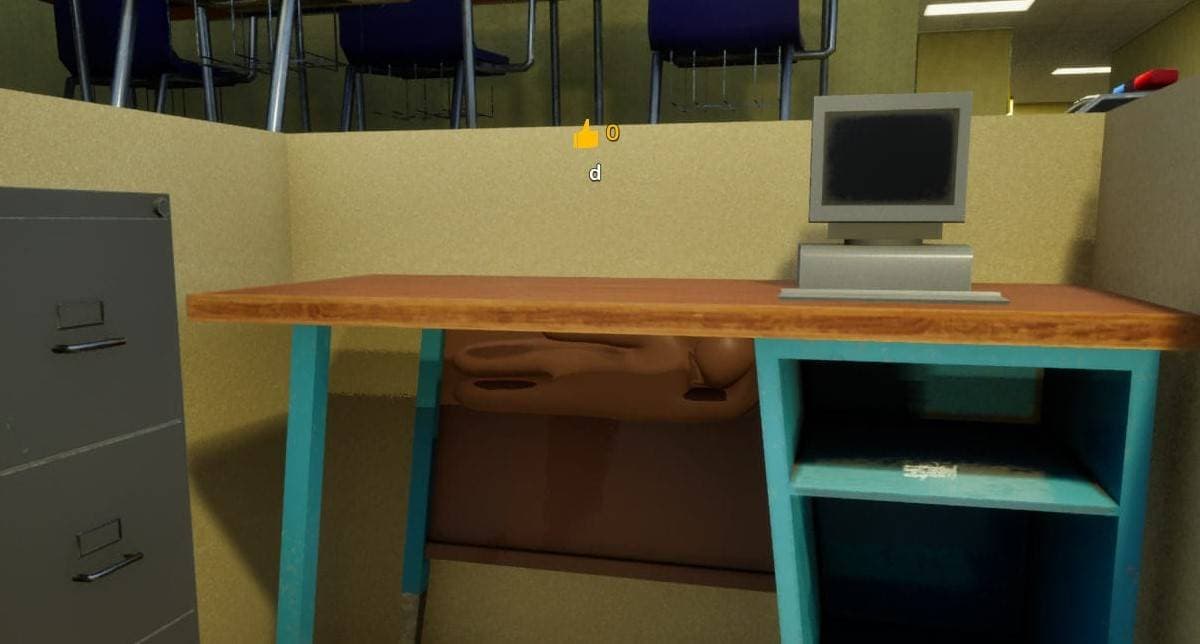
Retro computer desk
On an office desk beside a beige retro computer.
Hider setup
Use beige case colors and stay compact on the tabletop.
Why it works
Desk clutter gives another beige block a reason to exist.
Seeker check
Check desk objects for scale and shadow mismatch.
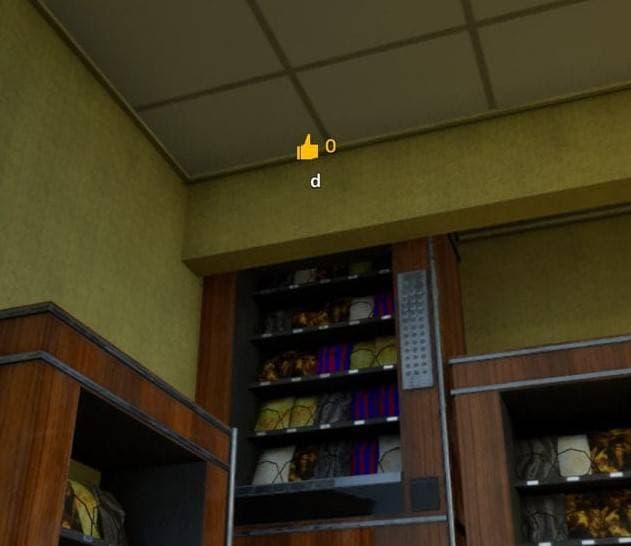
Dark bottle shelf
On a dim shelf filled with bottles and cans.
Hider setup
Use dark bottle colors and rely on the shelf shadow.
Why it works
Small repeated containers hide narrow body shapes well.
Seeker check
Scan bottle shelves for one oversized container.
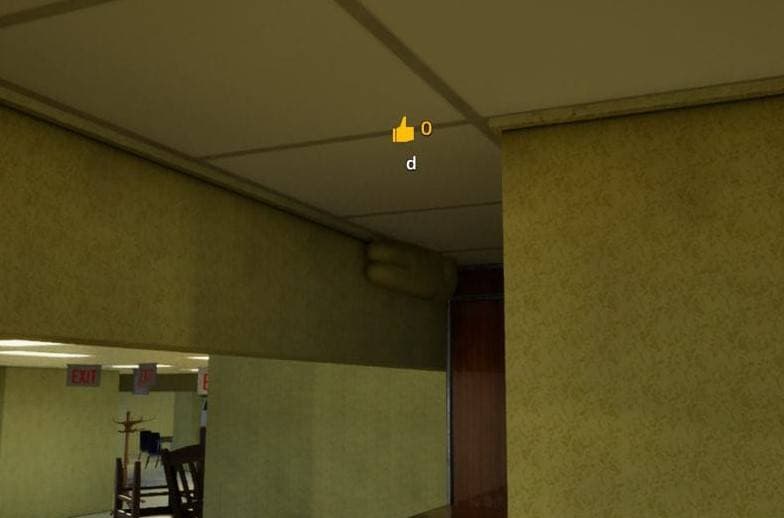
Empty yellow corner
In a sparse yellow room corner.
Hider setup
Match the yellow wall precisely and minimize shadow.
Why it works
A perfect wall match can win, but the spot has little cover.
Seeker check
Look for surface patches that do not match lighting.
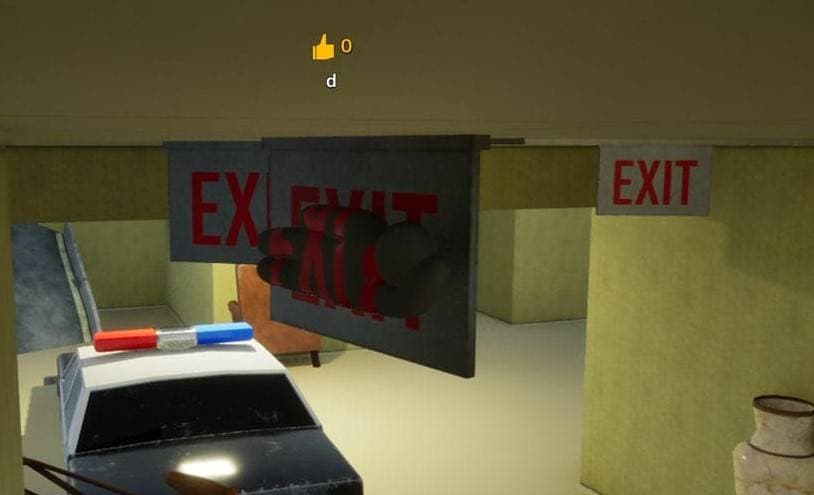
Behind exit sign
Behind or against an exit sign on the wall.
Hider setup
Use matching wall and sign colors while staying flat.
Why it works
Seekers tend to read signs as navigation, not hiding props.
Seeker check
Inspect sign backs and wall-mounted rectangles.
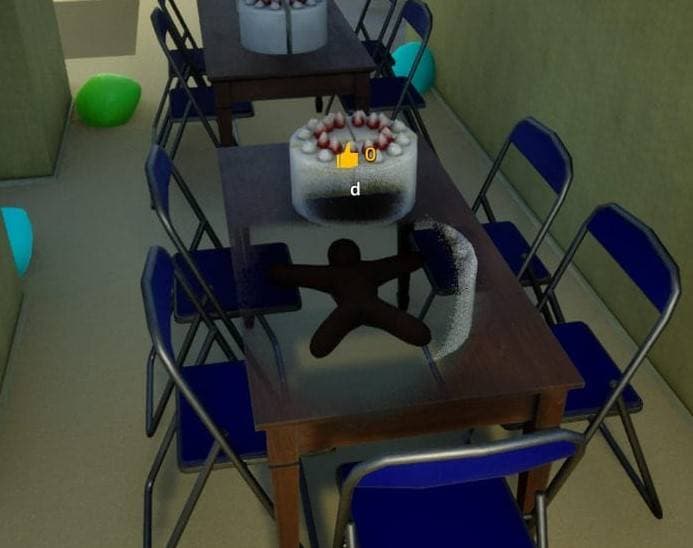
Cake table set
At a metal table and chair set with a cake.
Hider setup
Blend into the tabletop items or chair color.
Why it works
Mixed table objects let a compact hider disappear quickly.
Seeker check
Check tabletop clutter and chair undersides.
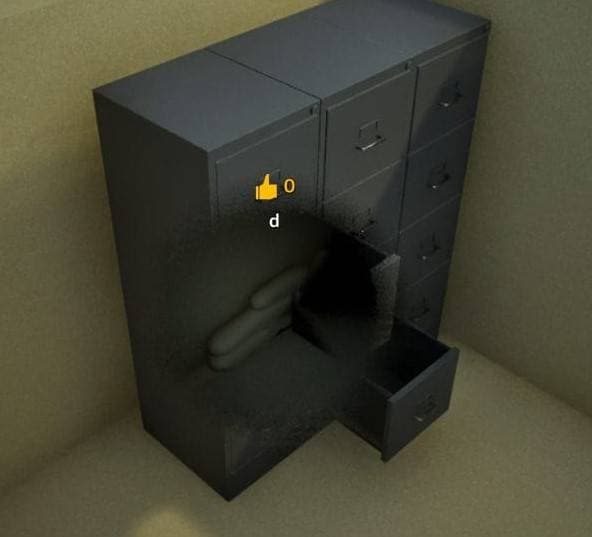
Metal locker side
Along the side of a dark metal storage locker.
Hider setup
Paint iron gray and align with the locker side panel.
Why it works
The flat locker wall can hide a body if the edge is clean.
Seeker check
Check locker sides for extra bulges.
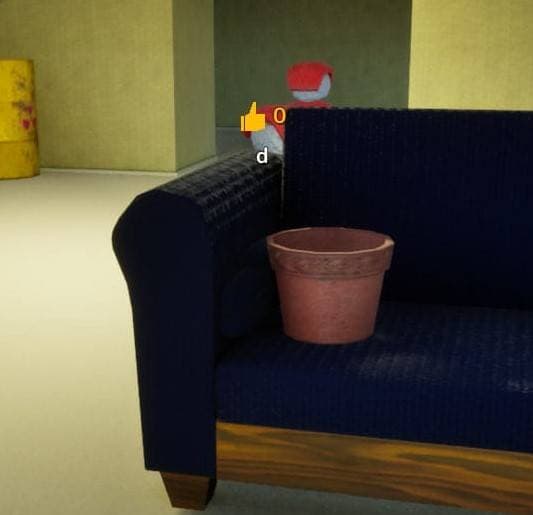
Blue sofa planter
On a blue sofa near a flowerpot.
Hider setup
Use sofa blue and sink into the seat area.
Why it works
The planter draws attention away from the seat outline.
Seeker check
Inspect sofa cushions for shapes that are not cushion seams.
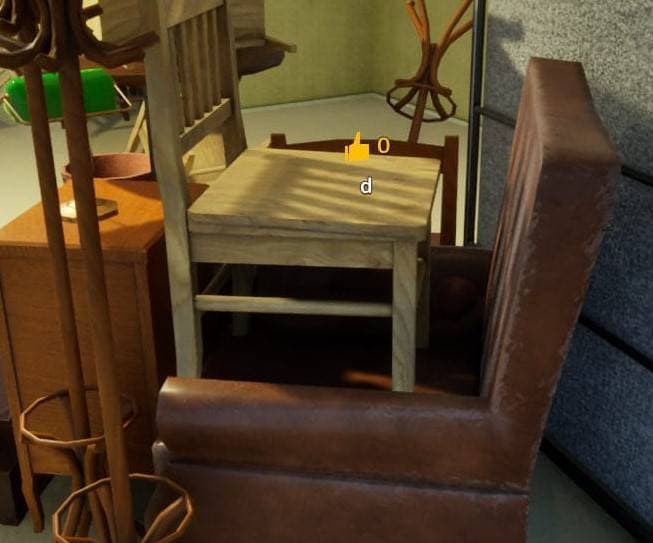
Wood bench pile
Inside a cluster of wooden benches and tables.
Hider setup
Use wood colors and hide along the furniture grain.
Why it works
Furniture piles create many overlapping straight lines.
Seeker check
Look under benches and along table legs.
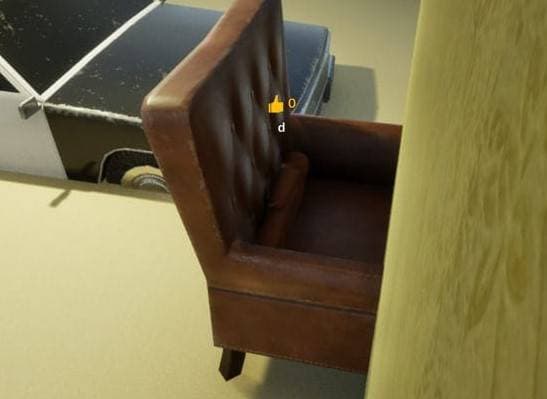
Leather armchair shadow
Behind a brown leather armchair.
Hider setup
Use leather brown and sit inside the chair shadow.
Why it works
The chair back hides most of the silhouette.
Seeker check
Walk behind armchairs before moving on.
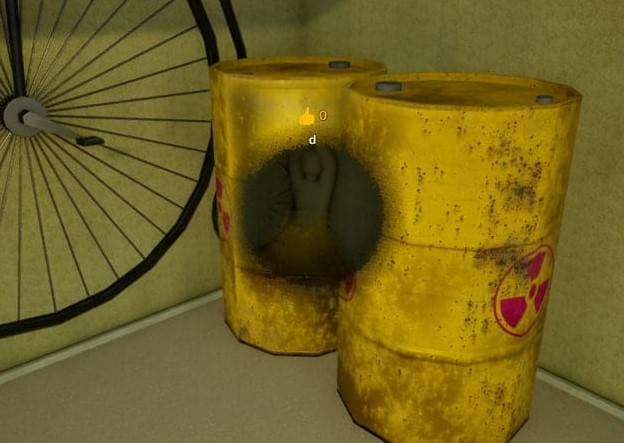
Yellow industrial barrel
Beside yellow industrial barrels.
Hider setup
Become another yellow container and match the barrel height.
Why it works
A repeated container group is difficult to count quickly.
Seeker check
Check barrel count and spacing.
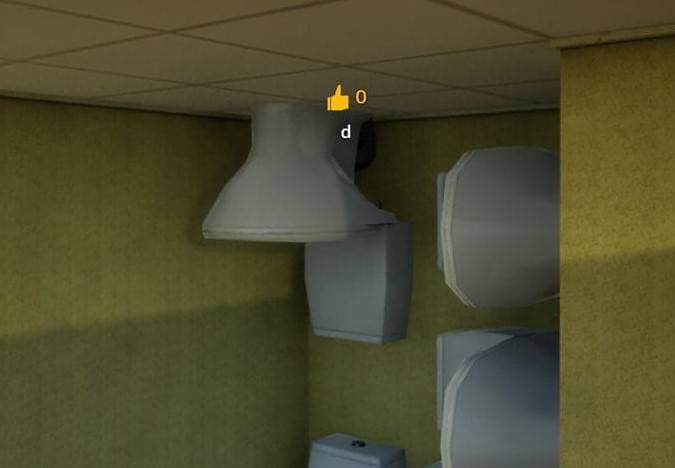
Toilet cluster
Behind a group of toilets.
Hider setup
Use white ceramic colors and keep low behind the fixtures.
Why it works
Object repetition makes one extra white shape less obvious.
Seeker check
Check behind every repeated toilet group.
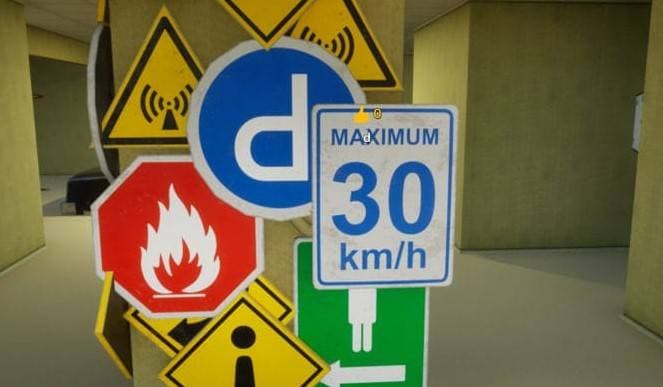
Speed sign edge
Beside a bright speed-limit sign.
Hider setup
Use the sign's bold colors and hold close to the sign edge.
Why it works
The strong sign color makes smaller mismatches harder to read.
Seeker check
Inspect signs from the side, not only the front.
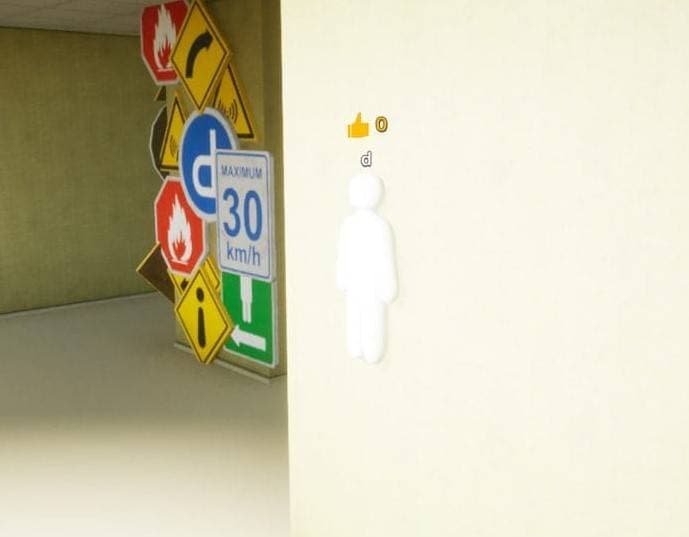
Bright white room
Inside the brightest white room.
Hider setup
Paint completely before committing; plain white is too visible.
Why it works
A clean white match can work only when the color is exact.
Seeker check
Search for shadows and outlines on bright walls.
Practice flow
Pick one easy spot, one repeated-object spot, and one risky angle. Have a seeker clear the route from the first doorway, then mark which setup failed from the side profile.
Full database
Return to the map hub when you want to compare all 5 map groups and choose the next layout to practice.
Back to all maps